



Ringo Spin Mobile Platform
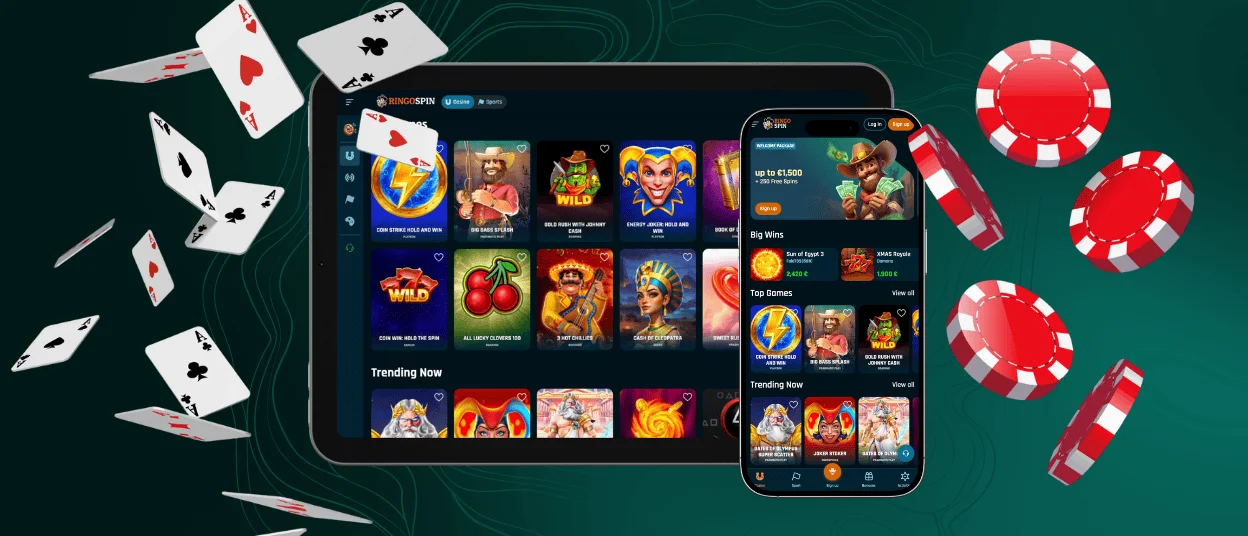
The Ringospin app is available for Android and iOS devices. The app provides full access to all games and functions. Players can control and play in real time on the go. Our software offers convenient navigation and an adaptive interface on any screen.



Using Ringospin on Mobile
The Ringospin app provides full platform functionality in a mobile format. It is designed for quick access and control from anywhere. The PC version benefits from a larger screen, while the mobile app is focused on speed and touch interaction. Both versions provide secure access to online slots and all games.
| Feature | Ringospin Mobile App | PC Version |
| Access Method | App access from any device | Browser-based access |
| Gameplay Style | Optimized for touch control | Optimized for mouse and keyboard |
| Session Start | Instant launch | Requires browser loading |
| Notifications | In-app and push notifications | On-site notifications only |
| Portability | Play from any location | Fixed to the desktop setup |
| Feature Availability | Full platform access | Full platform access |
Ringospin Android Mobile App
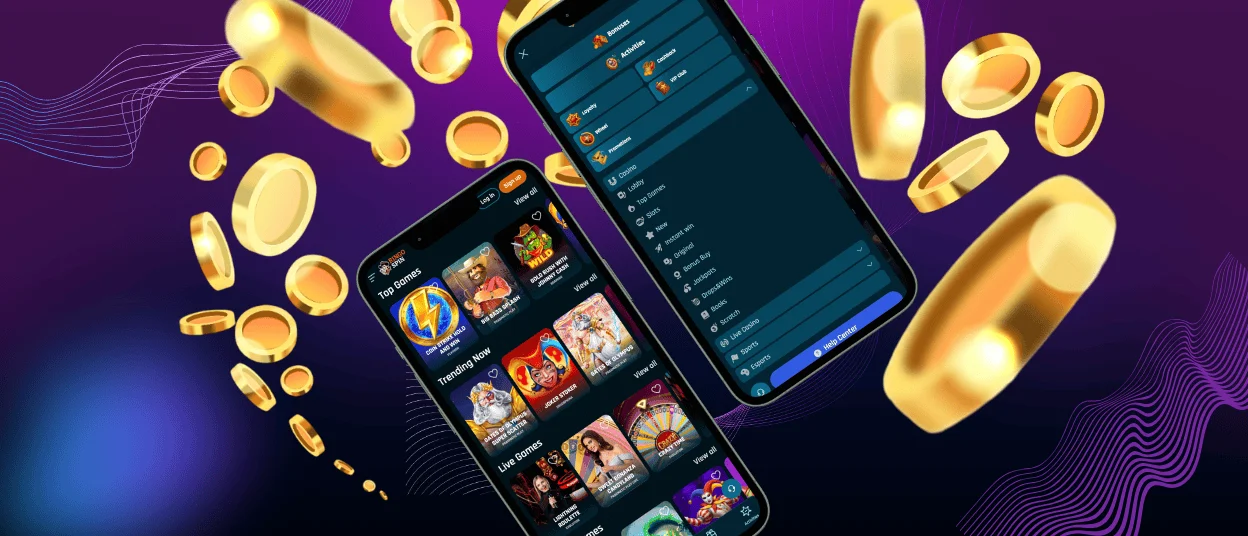
The Ringospin app for Android provides quick access to all casino features from your device. The software supports all types of games from our library, payments, account management, and more. It is designed for more convenient use on all Android smartphones and tablets. Players receive system notifications about all updates. For example, you can receive updates about tournaments, promotions, and platform updates.
PWA
Our Ringospin app is designed as a progressive web application (PWA). The PWA format allows you to install the software instantly without any complicated files. It runs as a web application in your browser and updates automatically. This makes the Ringospin app convenient and easy to use on a daily basis.
APK
No Ringospin APK download is needed. Players don’t have to go to an app store. It’s easy and quick to install from our site.
How to install on Android:
- Scroll the Ringospin Casino website to the bottom of the main page.
- Tap the “Casino App” button.
- Select “Install” and then launch the Ringospin app from your home screen.
Ringospin iOS Mobile App
The Ringospin app for iOS is optimized for iPhone and iPad users. The software works as a web app through the Safari browser and does not require downloading from the App Store. It functions as a shortcut with quick access to all casino features. This format supports fast loading and a stable gaming experience. Players also receive notifications about all Ringospin updates. A special icon is added to the home screen for quick access with a single tap.
How to install on iOS:
- Open the Ringo Spin website using the Safari browser.
- Tap the “Share” icon at the bottom of the screen.
- Select “Add to Home Screen” from the menu.
- Confirm by tapping “Add.”
- Launch the Ringospin app from your home screen.
Windows and macOS Applications
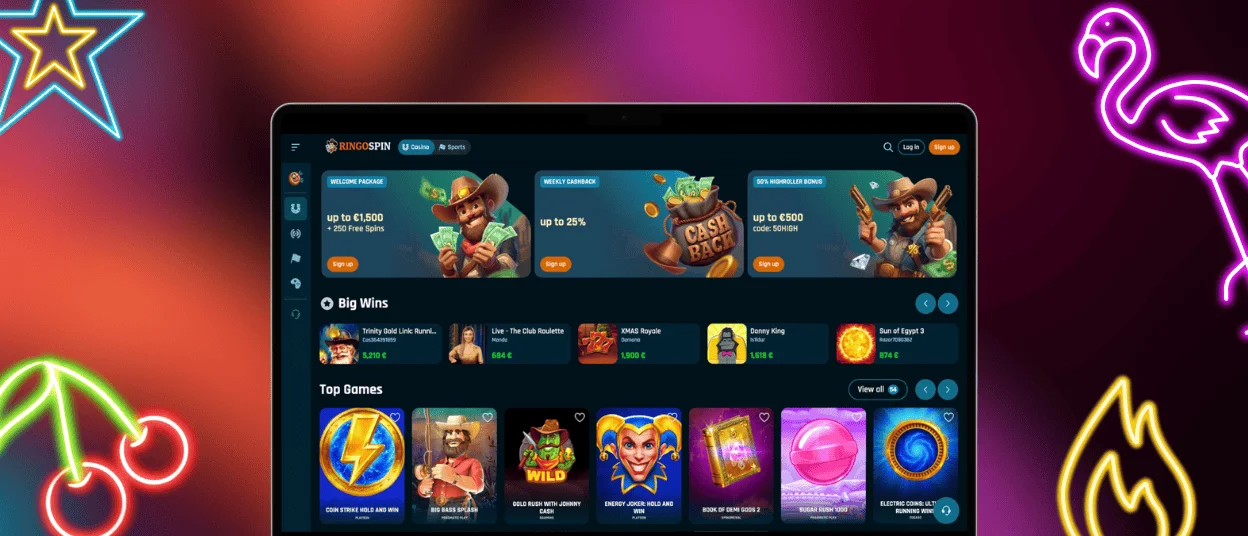
Ringospin Casino offers a desktop solution for Windows and macOS. Our platform can be used as a web application for desktop computers without the need for complicated installation of additional software. Players can create a shortcut for Ringo Spin as a separate application. Here, all mobile casino features are accessible with a single click.
The desktop Ringospin app provides fast loading. The interface is fully optimized for large screens with high-quality streaming for live dealer games. Players have full access to games, deposits, withdrawals, and the verification process. The web application for PCs is installed as a quick access shortcut via a browser. You can go to the Ringo Spin page and create a shortcut in your browser settings.
FAQ
Is Creating an Account Required to Use the Ringo Spin App?
Yes, registration is required to use the Ringospin app. Only authorized users can use the casino: play games, place bets, participate in tournaments. After registering, players can manage their accounts, for example, verify their identity and use responsible gaming tools. Without an account, access to the casino and games is not available.
Does the Ringo Spin Casino App Offer Customer Support?
Yes, you can contact multilingual support through the Ringospin Casino app. Players can contact the support team via live chat from the Ringospin app or by email. Help is available around the clock, and you can contact support with any questions. The support service works in several languages.
How Can I Update the Ringospin Casino App?
The Ringo Spin Casino app updates automatically. As a progressive web app, it always runs the latest version when launched. There is no need to manually download updates or visit the app store. The latest security enhancements and platform updates are applied in the background every time you log in to the Ringospin app.


